NOW SOSSafety first.
NOW SOS helps you reach local emergency services faster by showing the correct numbers for the country you are in.
In beta testing
Emergency services
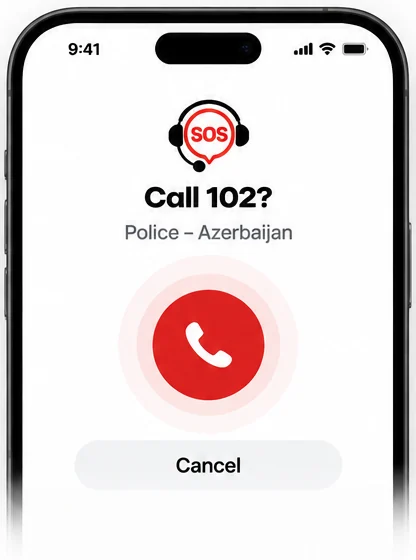
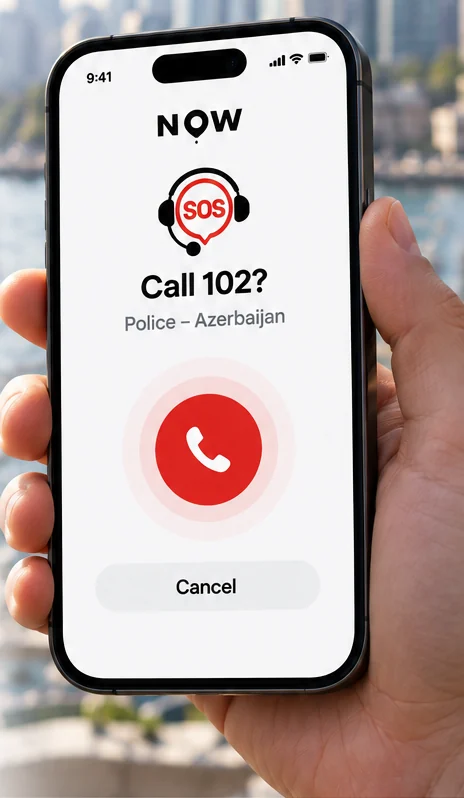
Choose the country you are physically in, select a service and press the red button. You will always be asked to confirm before your phone dials.
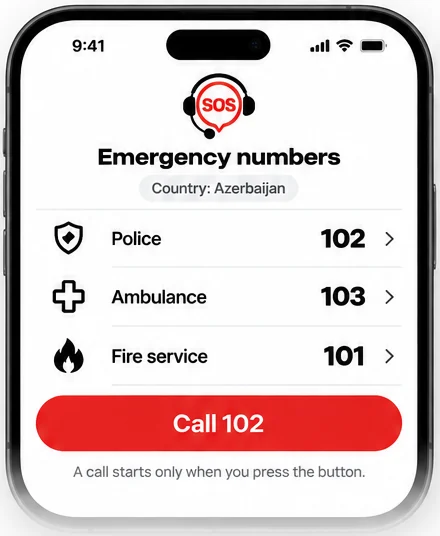
Azerbaijan is shown as an example.
Not yet confirmed against a current official source. Check with local authorities if you can.
How it works
- 1
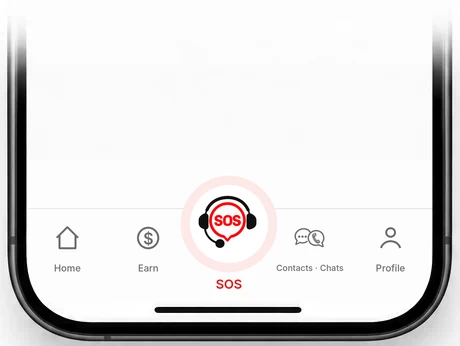
Tap SOS
The red SOS button is always in the app's main navigation.
- 2
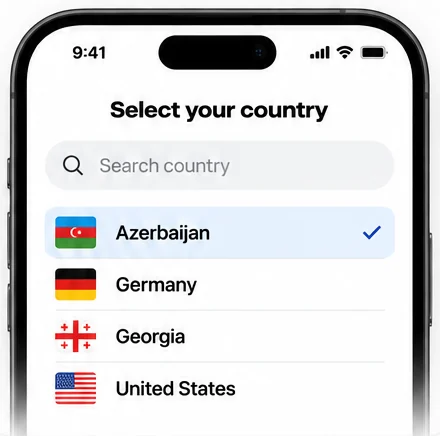
Confirm your country
If you allow it, NOW suggests your country from an approximate location. You always confirm or choose the country yourself.
- 3
See the right numbers
NOW shows police, ambulance and fire numbers from a curated international directory.
- 4
Call deliberately
A call only starts when you press the call button. NOW never dials automatically.
What NOW SOS is not
- NOW SOS is not an emergency service and does not guarantee rescue or a response.
- It does not contact emergency services or other people on its own.
- Calls go through your phone's normal network. Without signal or credit, a call may not connect.
- Where a number is not verified, NOW shows an explanation instead of guessing a number.
In an emergency, always call your local emergency number directly if you can.
Planned next
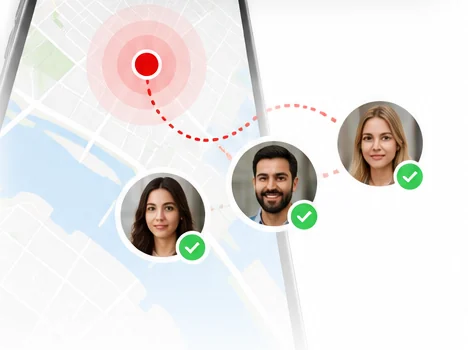
Sharing your location with trusted contacts and notifying them in an emergency are planned. They are not available yet.
Planned · not available yet- Share your location
- Notify trusted contacts
- Get help faster